- Tool Sherpa AI
- Posts
- 💼 Make your work look expensive (without adding hours)
💼 Make your work look expensive (without adding hours)
Two quick tools make your work look pro—no design skills required


Tool Sherpa AI Team & Lisa Plendl
20 Jan

✍️ You didn’t lose the client. You lost them somewhere between page 14 and “any thoughts?” The work was solid. The delivery looked… apologetic.
This week’s focus: making your work look expensive without adding hours or pretending to be a designer. We’re using one free tool to clean up the mess in your notes, and another to put your ideas in nice clothes clients trust on sight. Same work. Fewer questions. Faster yeses. (3-minute read)
🔦 Week’s highlights:
Tool Spotlight: NotebookLM tames your chaos; Gamma and Decktopus make your work look like it came from a boutique agency.
Sherpa’s Shortcuts: Two quick fixes: lead with a one-page summary, and never build more than six slides again.
The Ridgeline: NotebookLM replaces a dozen apps and Google quietly turns AI into plumbing.
Tools Gone Wild: When Canva makes “easy design” too easy—proof that restraint still beats drag-and-drop.
⛰️ Summit wisdom:
“Beauty is not extra when presenting your deliverables. It is the absence of friction.”
—The Sherpa Whisperer
AI tool spotlight:
Tool Sherpa explores the flood of new AI apps and carefully selects only proven tools.
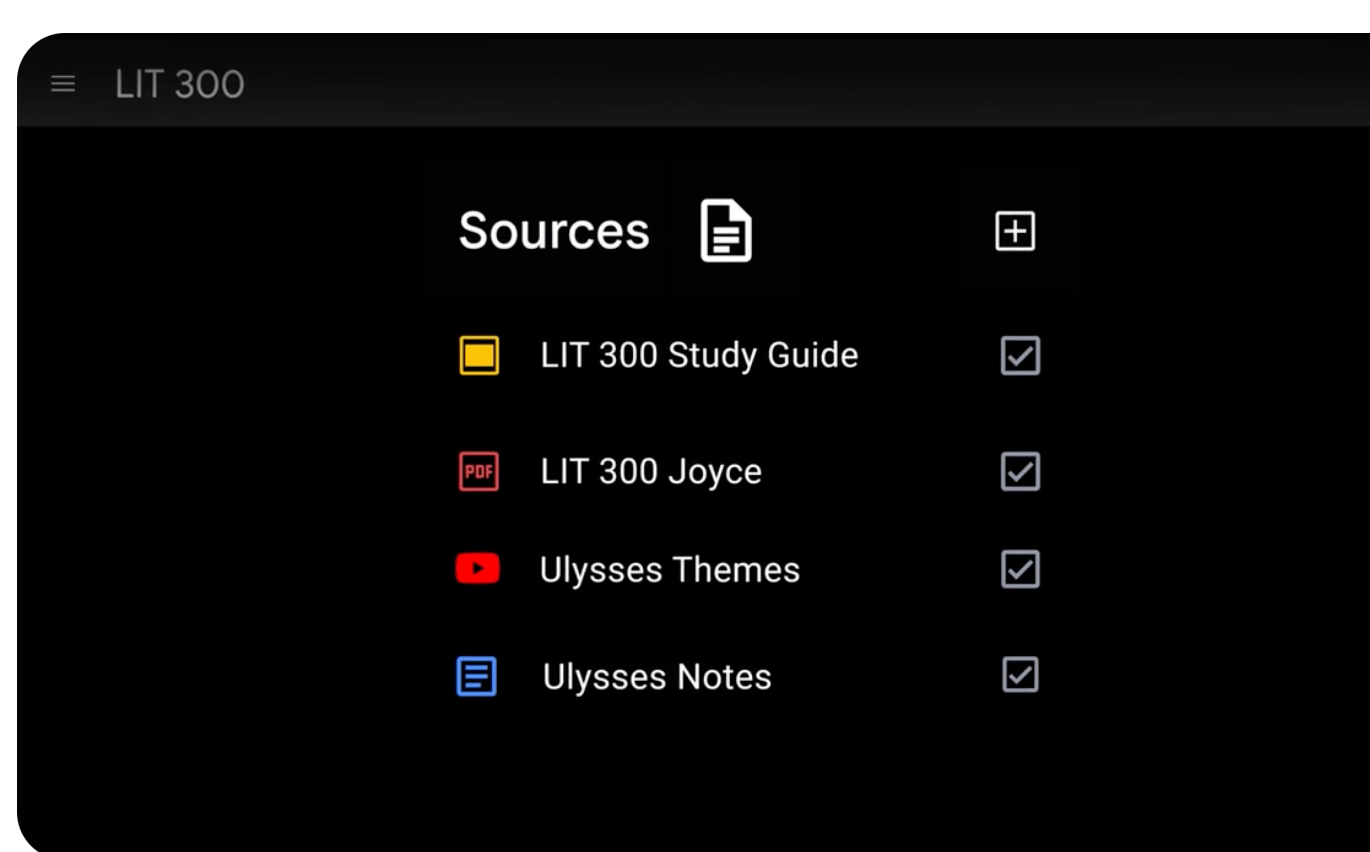
Source: Google NotebookLM website. Still one of the best free AI tools out there.
🔦 NotebookLM: The calm after the brain dump
Why it matters:
Most freelancers use Google’s free NotebookLM to stash notes, sources, and transcripts and query them later. A newer button quietly raises the bar: turn that chaos into a clean summary or draft slide deck, so your work looks intentional — not “thrown together at midnight.”
Who’s it for:
• Freelancers juggling notes, calls, drafts, and research
• Consultants, strategists, and writers who hate apologizing for “rough” work
• Anyone tired of sending smart ideas wrapped in messy files
Best use case:
Dump in everything from a project, generate a draft deck or summary, then polish it in your slide tool (see next tool) before a client ever sees the seams.
Pros:
Excellent at turning sprawl into structure. Summaries and draft slides save hours and cut down on follow-up explanations.
Cons:
Slides are clean but plain. You get structure and flow, not spacing, branding, or visual finesse — which is where Gamma or Decktopus come in (see next spotlight).
Pricing:
Free with a Google account.
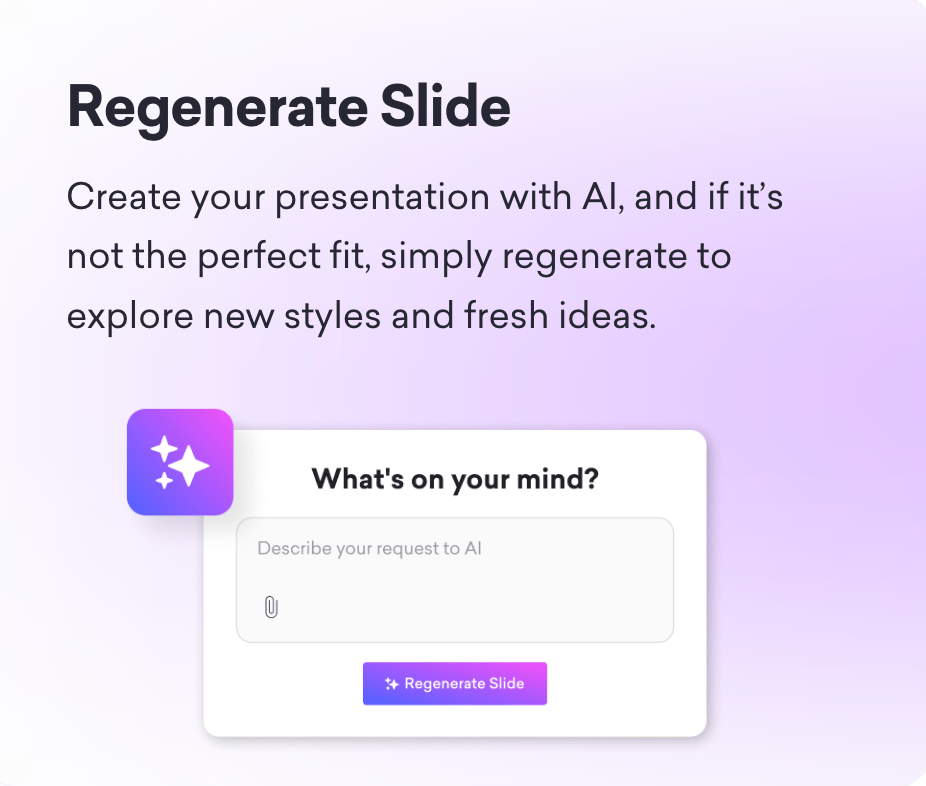
Source: Decktopus website. Create draft deck in NotebookLM, then whip out polished final deliverable in Gamma or Decktopus.
🔦 Gamma or Decktopus: The nice clothes
Why it matters:
NotebookLM gives you a solid draft. Gamma and Decktopus make sure it doesn’t look like a draft. These tools handle spacing, hierarchy, and layout so your ideas land with confidence, not caveats.
Who’s it for:
• Freelancers who want polished work without learning design
• Consultants, marketers, and coaches sending client-facing decks
• Anyone tired of Google Slides slowly eroding their self-respect
Best use case:
Take a rough deck or summary and turn it into something clean, calm, and client-ready in under 15 minutes — no fiddling, no font crimes.
Pros:
Smart layouts, clean typography, more robust branding/design and built-in restraint. Both tools make it hard to accidentally make an ugly deck, which saves time and raises perceived value fast.
Cons:
They won’t fix unclear thinking. You still need a decent draft — which is why they pair so well with NotebookLM.
Pricing:
Both offer free plans. Paid tiers unlock branding, exports, and more control.
Disclaimer: Some links may earn us a small commission, but they never affect what we recommend.
Sherpa’s shortcuts 🪓
Sherpa-approved hacks to streamline your workflow in today’s most popular AI apps.
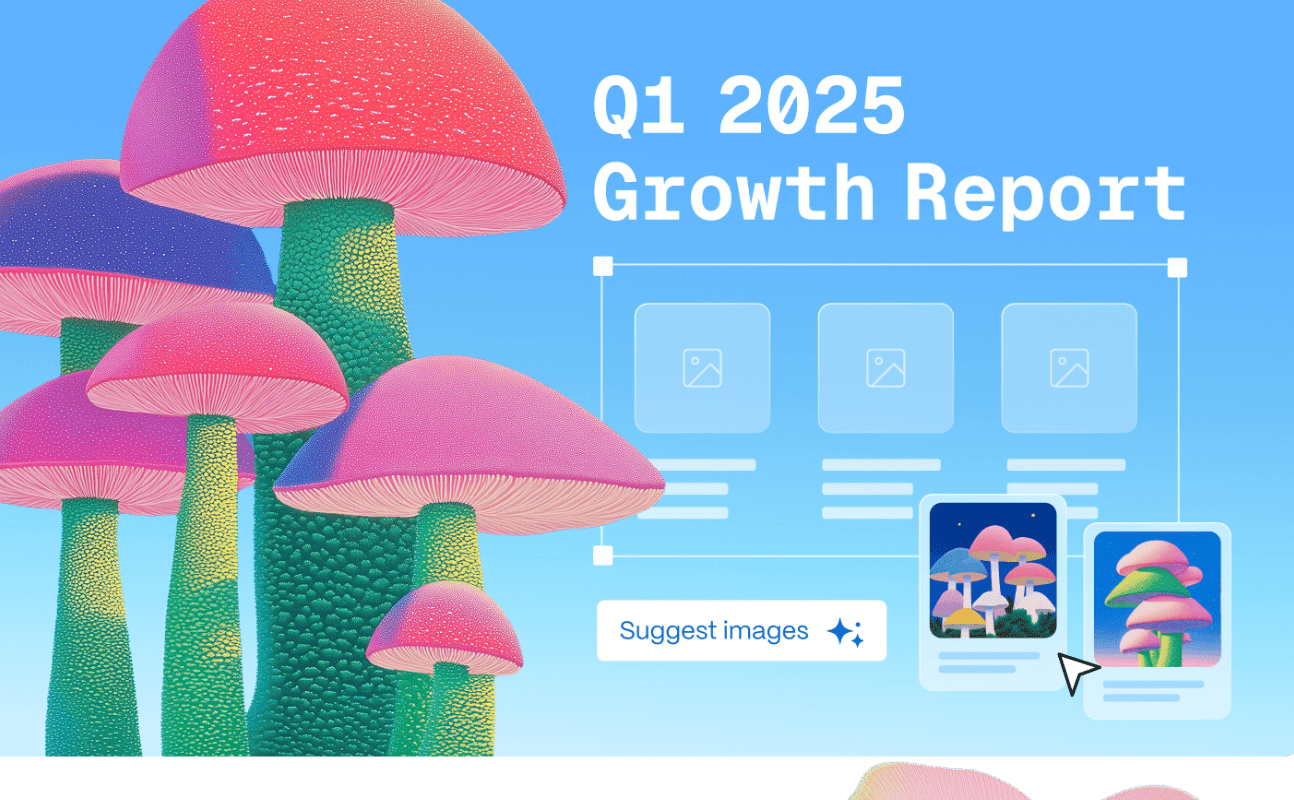
Source: Gamma website. Add clarity + beauty for professional polish.
⚡ Hack #1: The $1,500 front page
Problem:
Clients open your file and start skimming instead of deciding. That pause turns into follow-ups, delays, and “just a few thoughts.”
Solution:
Lead with a one-page front page that tells the client what matters, what to do, and what to approve.
How to do it:
• Drop all notes, drafts, or call transcripts into NotebookLM.
• Ask for a one-page client summary with: what this is, what changed, what matters, what you recommend, and what decision is needed.
• Use it as-is when speed matters. Move it into Gamma or Decktopus if you want visual polish.
💡 Sherpa tip:
Want this to look client-ready in minutes? Drop the page into Gamma or Decktopus and let the spacing do the flexing.
⚡ Hack #2: The six-slide rule
Problem:
Your slide deck keeps growing, the decision keeps slipping, and the client schedules a meeting (which could have been an email).
Solution:
Start in NotebookLM. Stop at six slides. Clarity beats coverage.
How to do it:
• Drop your notes, draft, or call transcript into NotebookLM.
• Ask for a 6-slide deck in this order:
– Why we’re here
– What we learned
– What matters
– What to do next
– Risks or assumptions
– Decision needed
💡 Sherpa tip:
Move the draft into Gamma or Decktopus to polish those slides into something client-ready — clean spacing, calm layouts, no design rabbit holes. Free plans available.
The Ridgeline news🏔️
The latest on how AI is rewriting the rules for solopreneurs and small teams.

Source: ChatGPT. “Hmm. I knew these AI robots would come in handy for something...”
Let’s trek:
🧭 January decides everything: Successful founders made fewer, sharper early decisions: what to ignore, what to automate. Discipline beat hustle. 🔗 👉 Read the playbook
🏠 AI that vanishes: The best AI for freelancers runs the boring stuff quietly—no prompts, no babysitting—so you stay focused on billable work. Invisible competence wins. 🔗 👉 Steal the tricks
🚦 Gemini gets fences: Google tightened Gemini usage limits, nudging power users toward paid tiers. Free AI now has a speed governor. 🔗 👉 See what changed
🧠 One brain, fewer apps: A writer ditched every notes app and ran everything through NotebookLM. Cleaner research. Context intact. Chaos, retired. 🔗 👉 Copy the setup
📣 Google says it out loud: AI was framed as everyday utility—not magic, not hype. Translation: it’s becoming plumbing. You only notice when it breaks. 🔗 👉 Read the post
☕ Final Sip:
The AI that wins in 2026 won’t feel impressive. It’ll feel missing. That’s the point.
Tools gone wild! 😜
Let’s end with a laugh — when AI tools take a detour off the happy path.

Source: ChatGPT. “I’m just confused why it’s a literal pie…”
🔥 When “easy design” goes sideways
Drag-and-drop tools promise instant polish. What they often deliver: too many fonts, crowded layouts, and slides “talking over” each other. Canva’s design team has published guidance for non-designers precisely because these mistakes are so common when “easy” replaces judgment.
📌 Lesson learned: Easy tools don’t make work look expensive. Taste, restraint, and hierarchy do.
🧭 What’s Next?
We’ll be back next week with more AI tricks to help you work smarter and stress less.
Until then, don’t climb solo—know a freelancer who could use a clearer path up the mountain?
👉 Send them Tool Sherpa AI
—Your Sherpa team 🏔️1
1